THE MOTION
The reel writes down your hand
Switch on the record light, drag the layer while it plays, and it keeps what your hand did.
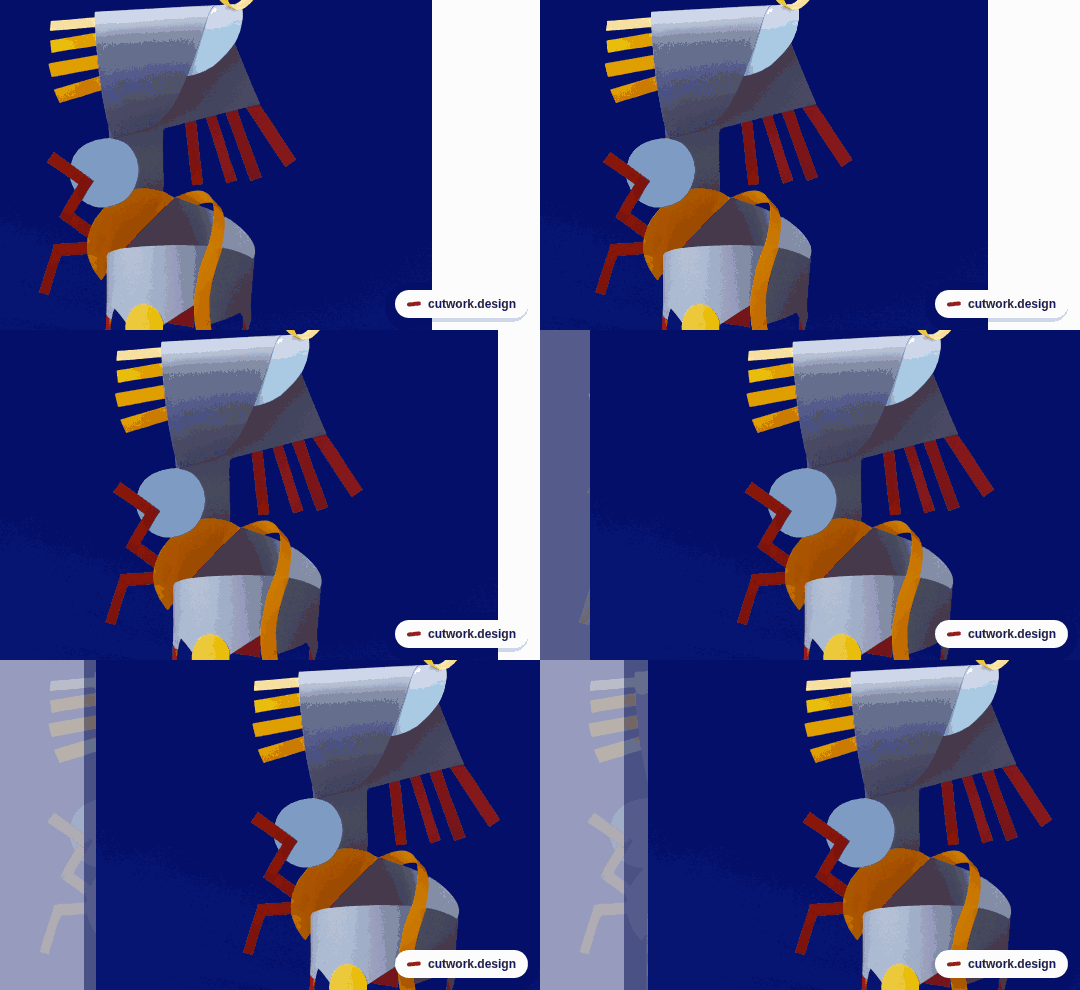
3 steps
- STEP 1 · OPEN THE REELClick MOTION on the right-hand rail. A strip opens along the bottom of the screen. Now click a layer on the sheet and press + Move in the panel. A coloured bar appears on the strip · that bar is one move.
- STEP 2 · SWITCH ON THE RECORD LIGHTPress ● Record at the top of the motion panel. The light comes on and the strip takes on a red edge. There is nothing else to arm, and nothing you can forget to switch off afterwards.
- STEP 3 · MOVE IT WITH YOUR HANDPress play. While it is running, drag the layer to where you want it to be. Stop, play again, and it goes there on its own · your drag is inside the move now. Press ● Record to switch the light off.
Try next